AT A GLANCE
Mealime’s older multi-user help describes signing into one account on multiple devices. That is different from separate household profiles.
Which kind of sharing do you need?
Family sharing can mean several things: a second person reading a recipe, two people editing the same grocery list, separate preferences for household members, or sharing a paid subscription. Write down which of these matters before comparing apps. A product can support one without providing the others.
For a couple who shops together, the important question may be whether a checked item disappears on the other phone. For housemates, it may be whether each person keeps a private collection. For a family planning together, it may be whether everyone can suggest a dinner without changing the whole week. These are distinct tests, not interchangeable labels.
What Mealime’s support pages actually describe.
Mealime’s May 2019 multi-user article describes a workaround: people use the same Mealime account on their own devices. It does not document invitations with separate member accounts. Because the article is old, check the behaviour in the version you are using rather than assuming a promised future sharing feature was released.
Its sharing guide also describes sharing an iOS recipe through the recipe’s More menu and share control, and printing the grocery list from the web app. A printed list is a snapshot: any changes made after printing need to be communicated separately.
Agree who owns the next action.
Even with a shared screen, it helps to know who chooses meals, who checks the cupboard and who does the shop. For example, one person can finalise three dinners, another can cross off ingredients already at home, and the shopper can keep track of what was bought. This avoids treating every edit as a new plan.
If two people use the same account, coordinate any password reset or deletion request. One person’s account change may affect the other person’s access. Keep each person’s favourite dishes and personal notes in the backup inventory. See the deletion guide before removing a household account.
Run a two-phone test before switching.
- Add a small test plan on the first device.
- Open it on the second and verify the meals and servings.
- Add one ordinary extra grocery item, such as washing-up liquid.
- Check off one ingredient on the shopping device.
- Look at the other device and confirm what changed.
- Decide how you will handle edits made while someone is already shopping.
Use a throwaway test item so you do not accidentally mark a real purchase as complete. Check whether both people need paid access and whether they can use different phone platforms. Do not infer a household subscription from an app’s generic sharing icon. Record any step that requires a screenshot, message or manual refresh.
A simple shared plan can bridge the move.
While you compare products, keep one agreed list in a shared note or on paper. Put the week’s meal titles above the grocery items and label when the list was last updated. If someone buys an item, mark it in that agreed place or tell the person responsible for the list.
This is enough to organise a short transition without rebuilding the entire household system in one evening. Preserve the successful parts: familiar dishes, the normal serving count and the shop you use. Our planning guide helps rebuild the food list; the switch checklist keeps the move in order.
What to check when considering MealPot.
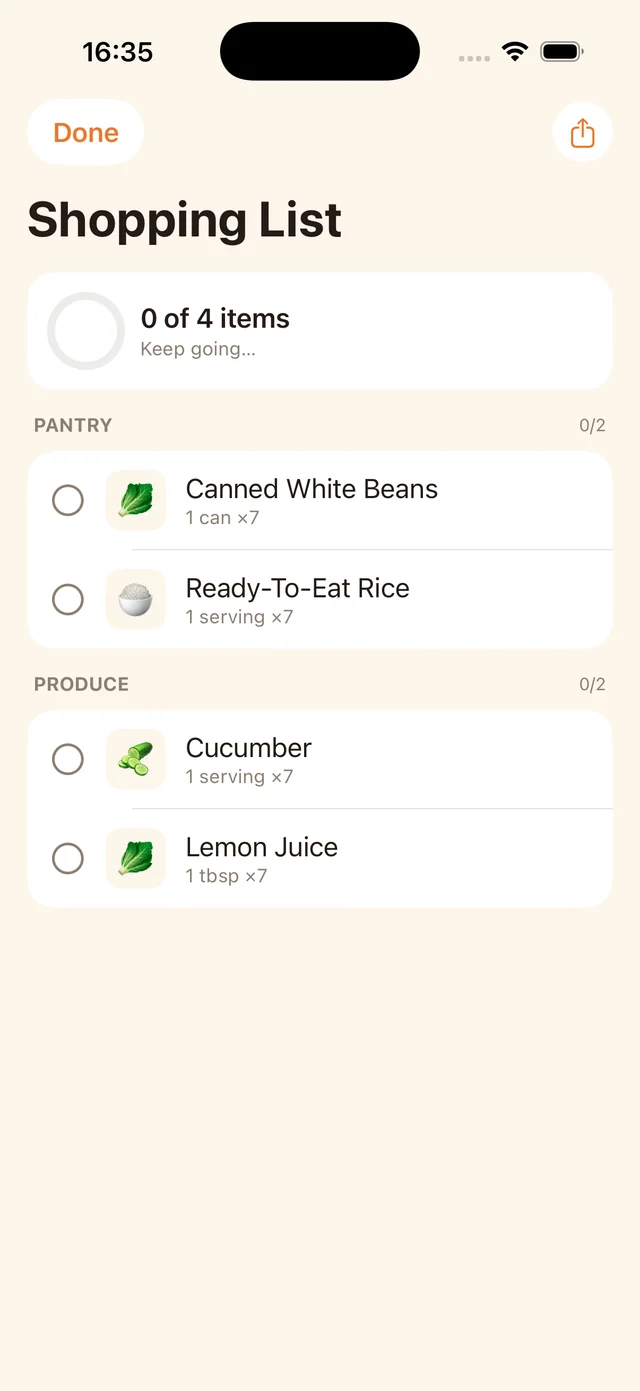
We make MealPot, but this guide does not claim separate household accounts or shared subscription entitlements for our app. Test the current app and its purchase terms against the exact collaboration you need. A screenshot of a shopping list illustrates the list itself; it does not establish live syncing between people.
The free website backup tool can help either person retain an accessible recipe without an account. It does not transfer a shared Mealime account or automatically combine two people’s favourites. Compare other approaches in the alternatives guide.
Common questions
Did Mealime document separate family profiles?
The older multi-user help page documents using one account on multiple devices, rather than invitations to separate household profiles.
Is a shared grocery list the same as a shared subscription?
No. Check collaboration features and purchase-sharing eligibility separately.
Can two people use a saved grocery-list PDF?
Yes, but it is a snapshot. Later additions or checked items need to be communicated separately.
Keep the useful parts of your routine.
Save a recipe, check your copy and organise the next week.