AT A GLANCE
Mealime documents Settings → Contact Us → Delete your account, plus an email route. Save anything you want to keep before requesting deletion. Read the official instructions.
Decide what you want to keep first.
Account deletion is a good time to distinguish personal records from recipes you can find elsewhere. Your favourite list says which dishes you selected; the recipe contains the instructions for one dish. Your plan says what you intended to cook this week. A recipe copy alone does not preserve the other two records.
Make a small inventory before beginning: favourite titles, usable recipe links, your own recipe notes, the current meal plan and the shopping list you still need. If someone else uses the same account, coordinate with them so they can retain their own information too. Our household guide explains that shared-account situation.
Use Mealime’s documented deletion controls.
- Open Mealime and go to Settings.
- Choose Contact Us.
- Select Delete your account and read the confirmation carefully.
- Complete the request only after checking the copies you want to keep.
These are the controls described in Mealime’s December 2023 help article. A later app version may present them differently. The article says account data such as eating preferences, plans and favourites is erased, and returning later requires a new account. Do not treat deletion as a temporary sign-out.
If you cannot use the app.
The same help article offers an email route: contact hello@mealime.com with the subject “Delete my account” and identify the email address used for the account. Use that official contact route if the in-app option is unavailable. Keep a copy of your request and any response.
Describe the request clearly and avoid attaching a whole recipe archive or unrelated account records. If support needs more information, follow up through that conversation. The guide does not establish a guaranteed completion time, so distinguish sending a request from receiving confirmation that it was completed.
Check payments as a separate task.
If your reason for leaving is a payment concern, look at the billing record before deleting the account. An app account and an app-store subscription can be managed in different places. Knowing the purchasing account and provider makes a later enquiry much easier.
Use the cancellation guide to check Apple, Google Play or web billing. Keep the relevant receipt and subscription status in your own records. Deletion, cancellation and a refund request have different purposes; completing one should not be your only evidence about the others.
What about deletion at the shutdown?
Mealime’s closing notice says personal data will be deleted when the app closes. You can still make your own deletion request beforehand.
Choose the timing according to your needs. If you still need access to personal notes or the current list, verify a copy first. If you have already retained what matters, you can use the documented route without waiting for your next planner to be fully set up. Our shutdown guide separates account information from continued recipe availability.
Make the backup useful outside the account.
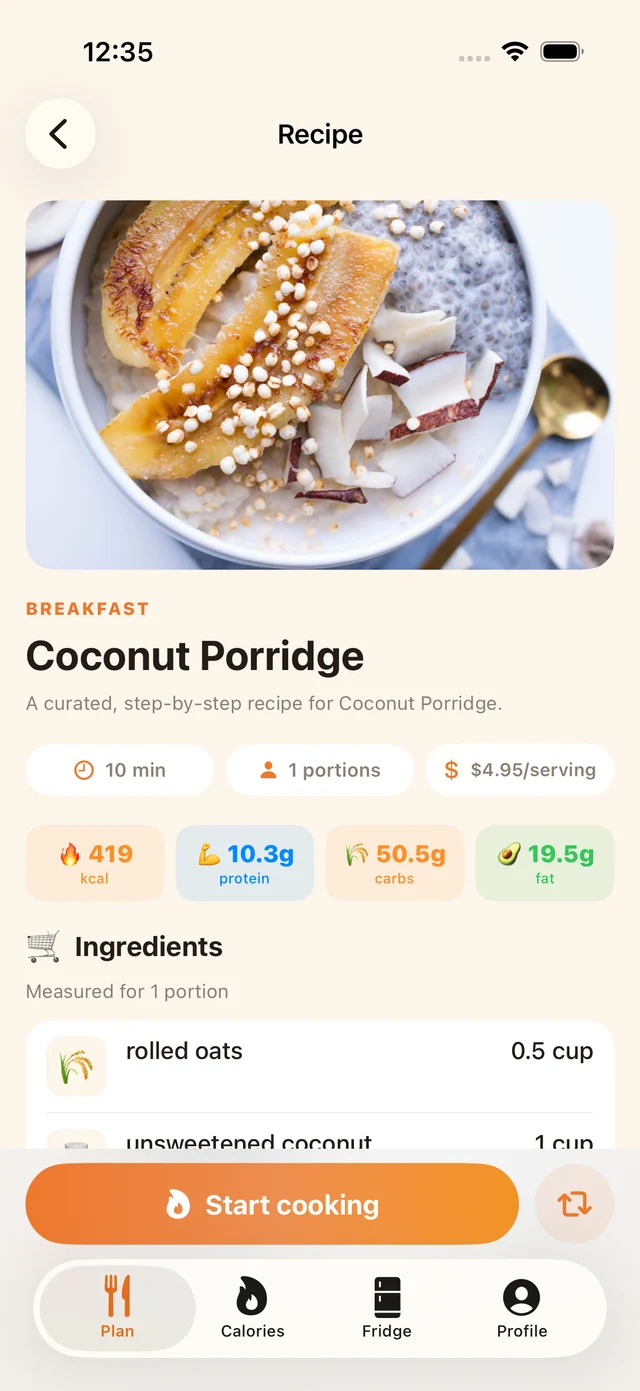
Open a saved recipe on the device you will actually use in the kitchen. Check that ingredients include quantities and units, that all steps are present and that your personal changes are labelled. Save a second copy somewhere you can find it if you replace your phone. A screenshot of a recipe title does not contain the cooking method.
MealPot’s free website backup tool requires no Mealime sign-in and no MealPot account. It works with accessible recipe information, not private account history. Downloading a file does not automatically import it into the MealPot app. Continue with the switch checklist once the copies are checked.
Common questions
Does deleting my account preserve my favourites?
Mealime’s deletion documentation says account favourites are erased. Save a separate record before requesting deletion.
Can MealPot delete my Mealime account for me?
No. Use Mealime’s own account controls or official support email. The backup tool does not sign in to your account.
Should I delete the account before saving recipes?
Save and verify the information you want first, then request deletion when you are ready.
Keep the useful parts of your routine.
Save a recipe, check your copy and organise the next week.