Where Mealime documented nutrition information
The nutrition help article describes opening a recipe and using its more menu to find Nutrition facts on mobile. On the web it describes a nutrition button below the recipe image. That article was updated in 2019 and labels nutrition as Pro; the current subscription announcement should be checked separately.
Before saving a number, record what it describes. Calories for one serving, calories for a whole recipe and calories for the portion you ate are three different quantities. Keep the recipe name, original serving count and whether the figure is per serving together.
Save context, not just a calorie total
If you use nutrition information in another tool, record the source and the recipe version. A change in ingredient brand, quantity or serving size can make an old entry a poor description of the new meal. Keep your substitutions alongside the recipe rather than assuming the old figures update themselves.
As a simple arithmetic example, a recipe entry labelled per serving refers to the serving definition used by that recipe. Splitting the cooked food into a different number of portions changes the share of the recipe in each portion. This observation does not establish the accuracy of the underlying estimate or set a dietary target.
Mealime Apple Health: the official sources conflict
Mealime’s current US App Store description advertises integration with the Health app. Its tracker help article, dated 21 February 2018, says direct integrations with Apple Health, MyFitnessPal, Fitbit and Weight Watchers had not been built. These sources conflict; the 2018 article cannot establish that today’s iPhone app lacks Health integration.
Check the integration controls and permissions in your installed version, and inspect whether a meal you deliberately log produces the record you expect. The store description does not explain every supported data field or establish a connection to the other trackers.
A recipe backup is a separate operation. This website does not access Apple Health or transfer a food diary. Keep the meal’s portion and date with any manual record, and check for an existing entry before adding another so the same food is not counted twice.
A portion example you can check
Suppose an original recipe lists four servings and an estimated 300 calories per serving. Its stated whole-recipe estimate is therefore 1,200 calories. If you divide that unchanged recipe into six equal portions, the arithmetic gives 200 calories per portion. This is an illustration of serving context, not an assessment of any particular recipe or a recommendation for how much to eat.
If you change ingredients as well as portions, simple division no longer describes the whole change. Record the actual adjustment and use the updated recipe when reviewing your figures. Keep dry and cooked ingredient weights distinct, and include additions such as a sauce you prepare separately.
What the website backup can and cannot promise
The backup tool concentrates on readable ingredients and cooking steps. A public recipe’s structured data may not contain nutrition, even when the app displays it elsewhere. Check the downloaded result rather than assuming every visible app feature appears in the file.
If nutrition is important to your own records, keep a separate readable copy of the original panel and its serving context while you can access it. Missing data should remain missing, not be filled with a precise-looking guess. We do not advertise a complete nutrition migration from a Mealime account.
Checking a recipe in MealPot
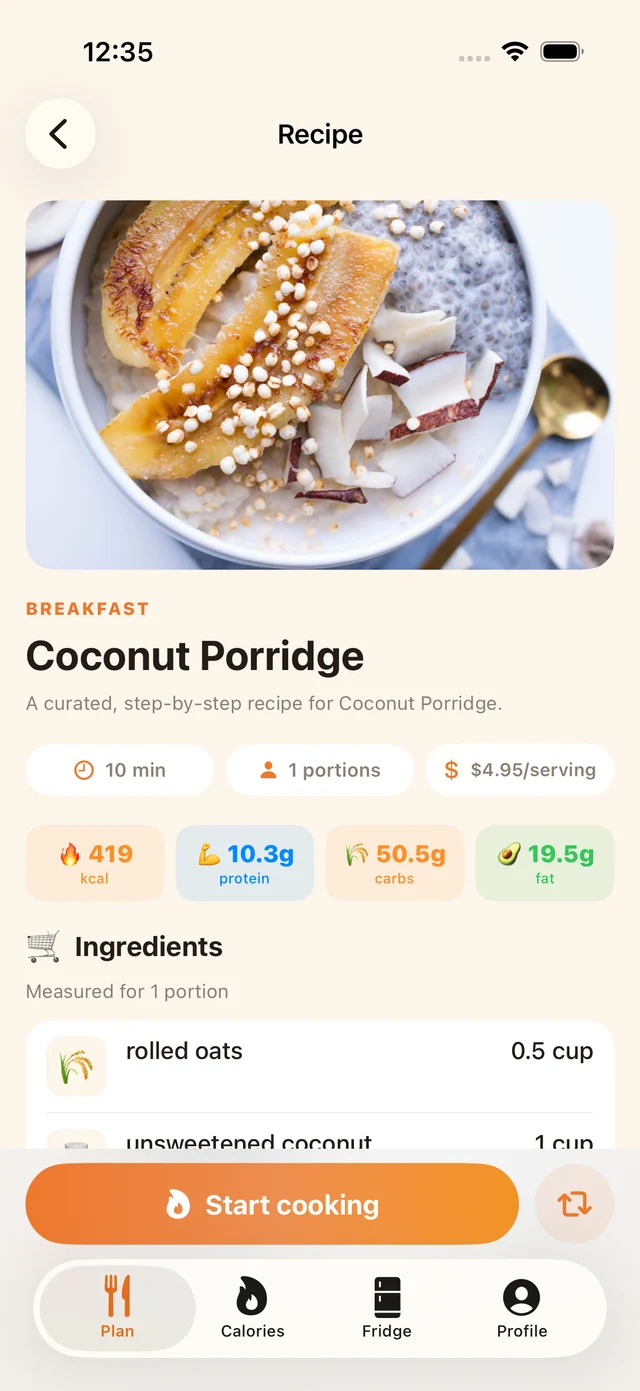
After importing an individual link through MealPot Pro, inspect the actual fields shown. The saved recipe, its displayed nutrition and any food diary are separate records. Check the portion count and your own changes before reusing the figures in another tool.
If calorie tracking is central to how you choose a planner, compare the complete tracking workflow separately from recipe storage. Our calorie and weight-loss questions page explains the limits of app estimates; the Eat This Much comparison covers a planner built around nutrition targets. For individual dietary or medical decisions, use appropriate professional guidance.
Frequently asked questions
Does Mealime integrate with Apple Health?
The current US App Store description says it integrates with the Health app, while a February 2018 help article says no direct integration existed. Check your installed version and permissions; the older page is not a reliable statement of current capability.
Does exporting Mealime recipes export Apple Health data?
No. This website does not access your health records or perform an Apple Health transfer.
Why is nutrition missing from my saved recipe?
The source data available to an importer may not include it. Keep a separate copy of the original nutrition panel if you need it, with the portion information.