AT A GLANCE
A meal planner can organise recipes and shopping. Its nutrition display or calorie filter does not establish that you will lose weight or that a particular target is appropriate for you.
Separate meal organisation from a weight-loss programme.
If your question is whether Mealime can help you choose dinners, review the recipes, portions and shopping workflow. If your question is whether a plan will produce a particular health result, a recipe app’s feature list cannot answer that. These are different decisions, even when the same app displays calorie numbers.
The US National Institute of Diabetes and Digestive and Kidney Diseases describes a weight-loss programme as involving ongoing guidance and support, and recommends discussing an appropriate approach with a health professional. This page evaluates app functions; it does not prescribe a calorie target, treatment or rate of weight loss.
What Mealime documents about nutrition.
Mealime’s nutrition help describes opening a recipe and choosing More, then Nutrition facts on mobile. Its older web instructions place nutrition beneath the recipe image. The article was last updated in July 2019, so use the current interface if those labels have changed.
Read the serving basis before comparing two dishes. A recipe total, a per-serving figure and the portion you actually put on a plate are different records. If you change ingredients, brands or amounts, check how the app handles that change instead of assuming a displayed figure automatically describes the altered dish.
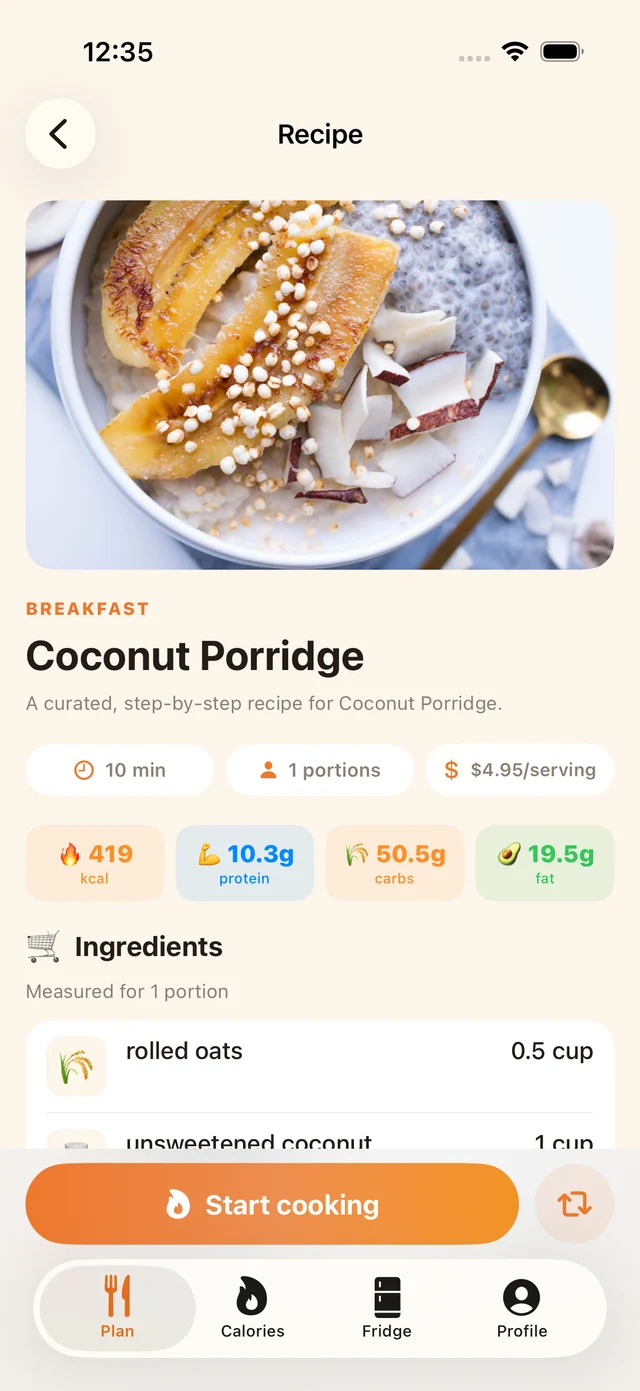
A calorie filter narrows the recipe list.
The official filtering article explains choosing a calorie range from the meal planner’s search controls. This describes a selection tool: it limits which recipes appear. It is not an assessment of your medical needs or proof that the rest of a day’s food is represented.
When evaluating a replacement, inspect what is being filtered and whether the serving count is clear. You can test this with an ordinary recipe and a portion change. Record what the software does without treating the test as a recommendation to eat more or less.
Check health-app connections directly.
Mealime’s tracker help page, last updated in February 2018, says direct integrations had not been built. The current iOS store description mentions Health integration. These sources conflict, so we do not present either as a verified account of your installed version.
If exporting information is essential, test that exact connection on your device and inspect what reaches the destination. A recipe saved successfully is not evidence that nutrients, portions or a food diary entry transferred. Likewise, this guide does not promise Apple Health integration or automatic calorie tracking in MealPot.
Choose practical tests that do not depend on a promise.
Try finding a few meals you like, changing the servings and producing a readable shopping list. Check the ingredients against what you can buy and the cooking method against the equipment you have. Notice whether you can make useful decisions without spending more time entering information than you intended.
You can also record recipe modifications clearly: the ingredient changed, the amount and the serving count. That helps you understand your own version later. Our serving-scaling guide covers recipe arithmetic; it does not choose a dietary portion for you.
Keep your information understandable when switching.
Save the recipes you want to keep, along with any personal notes about modifications. If you retain nutrition information, label its source and serving basis. Do not merge an old displayed value into a changed recipe without checking what it represents.
The free website backup tool preserves supported recipe information for review, not a complete health record. A file does not automatically import into the MealPot app. Use the Pro inventory and switch checklist to separate recipe copies, account notes and any tracking workflow you need to re-establish. Choose the next tool on verified functions, not a promised weight outcome.
Common questions
Does Mealime guarantee weight loss?
A planning feature or nutrition display does not establish a guaranteed health outcome. This guide makes no such claim.
Does a calorie filter tell me what I should eat?
It narrows displayed recipes by a selected range. It does not determine your individual nutrition needs.
Will a recipe backup transfer my nutrition tracking history?
No. It is a recipe backup, not a full food diary or health-data export. Check any tracking workflow separately.
Keep the useful parts of your routine.
Save a recipe, check your copy and organise the next week.