AT A GLANCE
Use official web access for a computer workflow. A download labelled “Mealime for PC” is not evidence of an official Windows app or continued service availability.
Start with the browser route.
Mealime’s official website links to its web app through Log in. Its support pages also document web tasks, including password reset, recipe nutrition and printing a grocery list. This establishes a documented browser route; it does not establish a separate native Windows programme.
Begin there if you want a larger screen for reading recipes or organising copies. If login is the obstacle, use the account-access guide. Keep a working phone session available while you investigate the computer route so you can still copy useful links or notes.
Be precise about what a PC download offers.
A search result may describe an Android emulator, a browser shortcut, an installer from another publisher or an unrelated app with a similar name. Read the developer and the installation description before deciding what it is. A page’s title alone does not tell you which software will be installed.
An emulator runs an app in another environment; it does not independently preserve the service that app contacts. If your main objective is keeping recipes, focus on readable copies rather than changing the way an app launches. Our Android guide discusses the same limitation with old app packages.
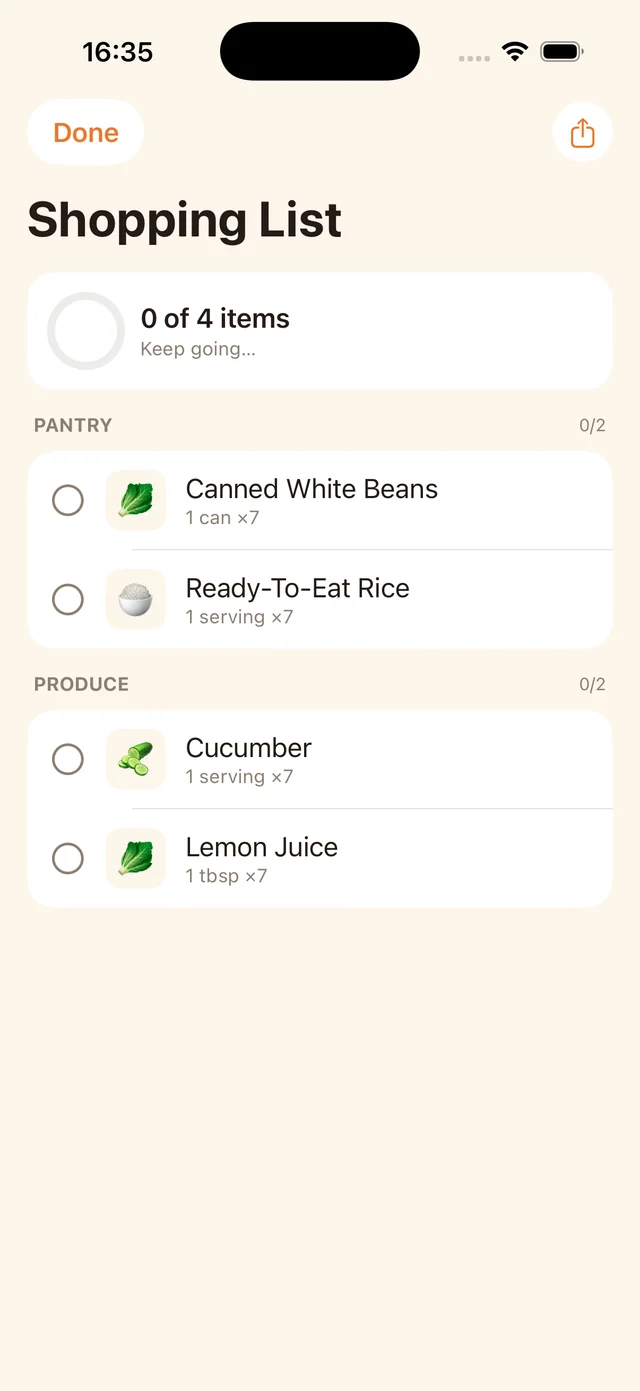
Print or save a grocery-list snapshot.
Mealime’s older sharing documentation describes opening Grocery List from the web meal-plan screen and using the printer icon near the bottom. The browser or system print dialog can then be used for a paper copy or a PDF, where available. The instructions date from July 2019; look for the corresponding control in the current interface.
Open the resulting document before relying on it. Check that the list is complete and readable, including any extra groceries you entered yourself. A PDF does not update when the app’s list changes. Put a date on the file or printed sheet and agree which version your household will use.
Build a small recipe folder you can understand.
Create a folder for the recipes you actually want to keep. Give each file a recognisable title and keep the original source link inside the document. If a dish has a personal variation, put that in a clearly labelled note. You should be able to identify the recipe without opening a dozen files.
A simple example is a folder with three regular dinners, a note listing this week’s meals and a shopping-list snapshot. Open one recipe on the phone you use for cooking as well as on the computer. This catches practical problems such as a file format that is convenient at a desk but awkward in the kitchen.
Use the website backup without installing an app.
Open the free MealPot backup tool in your browser. Provide an accessible recipe link, pasted recipe text or a supported saved file, then review the preview and download. Check missing amounts against the original. A scanned PDF or complicated saved page may not provide readable recipe text.
The tool needs no MealPot account. It does not sign in to Mealime, fetch your private favourites or automatically import the downloaded file into our app. If your goal is to use a recipe inside MealPot, review the separate individual URL import route.
Test the next planner on both screens.
For a replacement, decide whether you want a web service, a desktop application or both. Test saving a recipe on the computer and opening it on your phone. Then change the plan and inspect the grocery list on the device you take shopping. Check any additional platform purchase before moving the whole collection.
Mealime’s notice links to a Meals Hub web experience. Our Meals Hub guide explains that route, while the alternatives guide compares other approaches. This website does not advertise a confirmed MealPot Windows desktop app. You can use our browser guides and backups while choosing the software that fits your devices.
Common questions
Is a “Mealime for PC” download necessarily official?
No. Check the publisher and whether it is a web shortcut, emulator or other software. Start from Mealime’s own website.
Can I use the MealPot backup on Windows?
Yes, through a browser. The website backup does not require the MealPot iPhone app or an account.
Will a grocery-list PDF update automatically?
No. It is a snapshot. Save a new version or communicate changes when the plan changes.
Keep the useful parts of your routine.
Save a recipe, check your copy and organise the next week.