AT A GLANCE
Older Pro documentation explains what you may have used. The current wind-down notice opens those features to all users.
Start with what Pro changed in your week.
A subscription name can hide several different habits. Perhaps you paid because a favourite dinner was in the expanded recipe collection. Perhaps you relied on notes or referred to last week’s plan. Or perhaps you used nutrition information when deciding between dishes. Make a short list of these habits before choosing a replacement.
The purpose of this inventory is to keep useful information. You do not need to replace every feature that ever appeared in a paid tier. A tool that solves the two tasks you use often may be a better fit than one with many unfamiliar controls.
What the older Pro documentation includes.
The official Pro article, updated in December 2023, lists detailed nutrition, calorie filters, recipe notes, the two most recent meal plans, broader recipe access and priority email support. Treat that as a description of the older tier. Its upgrade instructions predate the current announcement.
For each feature you used, ask what has to move: a recipe, a personal change, a list of meal titles or a planning preference. Those are different kinds of information. A public recipe copy may preserve the dish while leaving out your account’s notes and the day you planned to cook it.
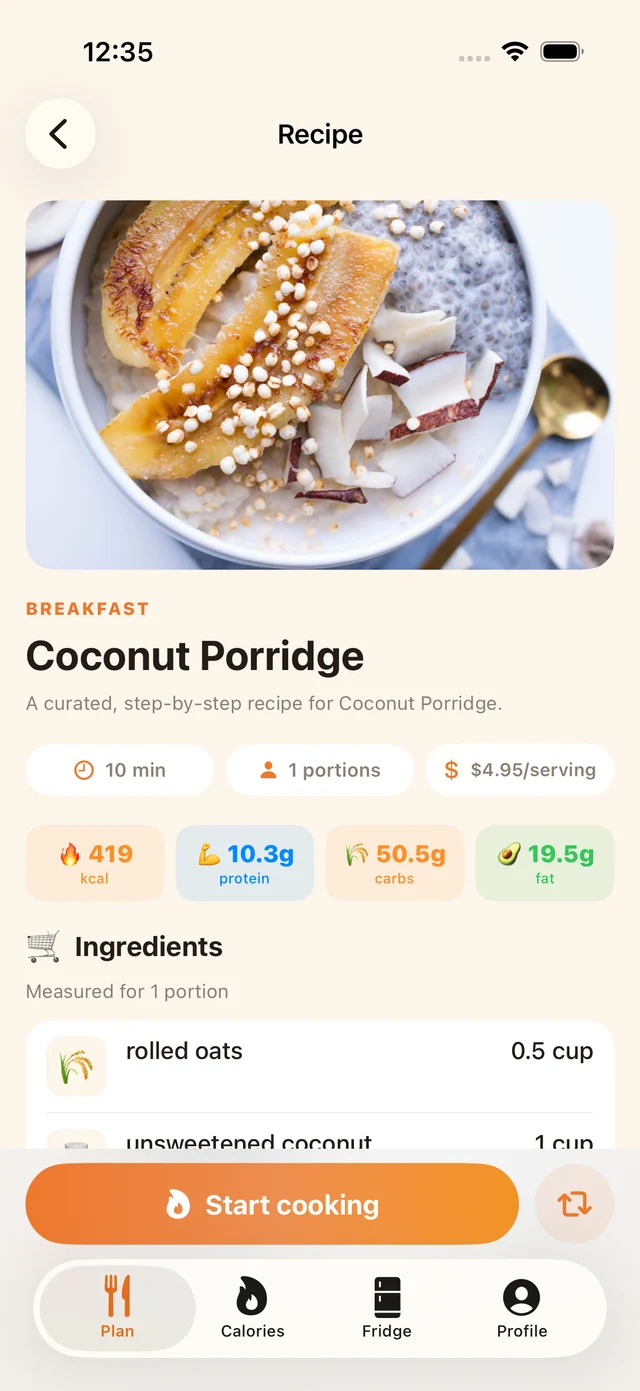
Preserve the notes that make a recipe yours.
Open a few dishes you have cooked more than once. Look for ingredient substitutions, the pan you prefer, a portion change or a reminder that your household likes less chilli. Copy these separately and label them as your own notes, especially if they change the original method.
For example, save “we use a larger pan for four servings” next to the recipe title and source link. Avoid rewriting the original ingredients from memory. Keeping the source recipe and your modifications distinguishable makes it easier to review a new import and to explain the dish to someone else in the household.
Keep previous plans as a reusable menu.
A previous plan is useful even without an automatic history transfer. Record the titles in order, the planned servings and any intentional leftovers. Add a brief note about what you actually cooked. A week that looked good in a planner but left too much food may need a smaller version next time.
You can turn one successful week into a simple fallback menu: two familiar dinners, one meal using an ingredient already opened, and one flexible night. This is a household planning example, not a claim that another app can import Mealime’s plan history. The meal-planning guide explains how to rebuild the list.
Check nutrition needs separately.
If nutrition information is part of your routine, test the exact task in a replacement: opening the recipe details, identifying the serving basis and reviewing any values after an ingredient edit. A badge that says nutrition does not establish which values are included or how they are calculated.
A recipe import also does not establish automatic transfer to a health or food-tracking app. Record any integration that is essential and verify it in the current product before paying. Our nutrition and weight-loss guide explains the distinction between organising meals and expecting a particular health outcome.
Try one complete replacement workflow.
Choose a favourite with one personal note. Save a readable copy, then use the next app’s supported method to add it. Compare the title, servings, quantities, steps and your note. Put it in a small plan and inspect the shopping list. This checks the information you care about at the places you will use it.
MealPot’s free browser backup does not require an account. Its download is not an automatic app import. MealPot Pro supports individual recipe URL import through the app’s import flow; see how the two routes differ. For an old payment or renewal question, use the cancellation guide.
Common questions
Is an old Mealime Pro upgrade guide still a current offer?
No. Read it as historical feature documentation and check the current wind-down announcement before making a purchase decision.
Will copying a public recipe keep my personal notes?
Do not assume it will. Record account-specific notes separately and check them in your new copy.
Does a MealPot backup import a whole Pro account?
No. It makes a recipe backup. It does not transfer a Mealime account, subscription, favourites collection or plan history.
Keep the useful parts of your routine.
Save a recipe, check your copy and organise the next week.